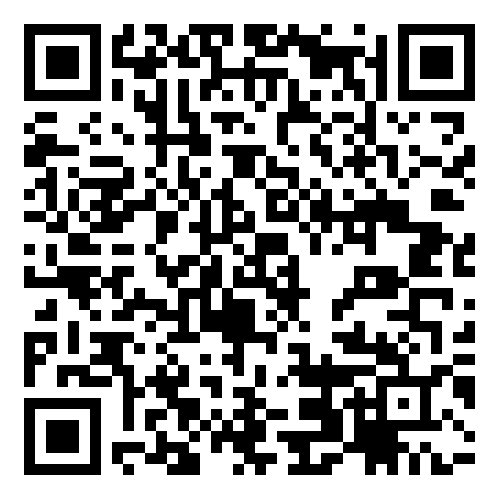
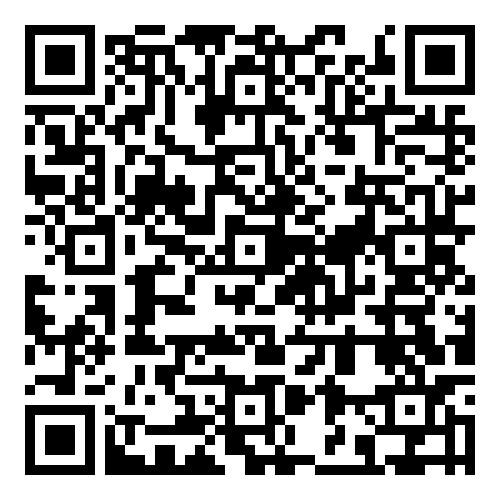
Banking Made Simple and Secure
Bank with our OENB Mobile Banking App, a quick and convenient way to bank on the go, anytime and anyplace you like using your mobile device.
With the OENB Mobile Banking App downloaded on your phone you can:
- Check Account Balances
- Transfer Funds
- Make Loan Payments
- Pay Bills
- Touch ID Support for Apple Mobile Devices
- Setup a quick “instant balance” to monitor up to 6 accounts without having to log in
If you import your Debit Card into Mobile Banking you can:
- See your recent Debit Card Activity
- Set up Alerts
- Set up Debit Card Transaction Controls for dollar amount limits, merchant categories, transaction types, and geographical locations
- Lock your Debit Card if it is misplaced or lost
- Block all Debit Card transactions until you find your card or can report it as lost
To Get Started
Log into OENB Online Banking, navigate to the Profile section, find OENB Mobile Banking, click Enroll, and then follow the prompts. You will need to download the App from the App Store or Google Play depending on your device. Or you can go directly to the App Store for iPhones or Google Play for Android phones and download our App today. In the App Store, search for keywords Old Exchange National Bank, Okawville, or OENB, and in Google Play search for OENB Mobile Banking.
Mobile Capture
Forgot to deposit that check today? No time to swing by the bank? No problem!
Use the Mobile Capture feature found within OENB Mobile Banking to scan the front and back of the check with your mobile device.
You can make that deposit whenever it’s convenient for you.